
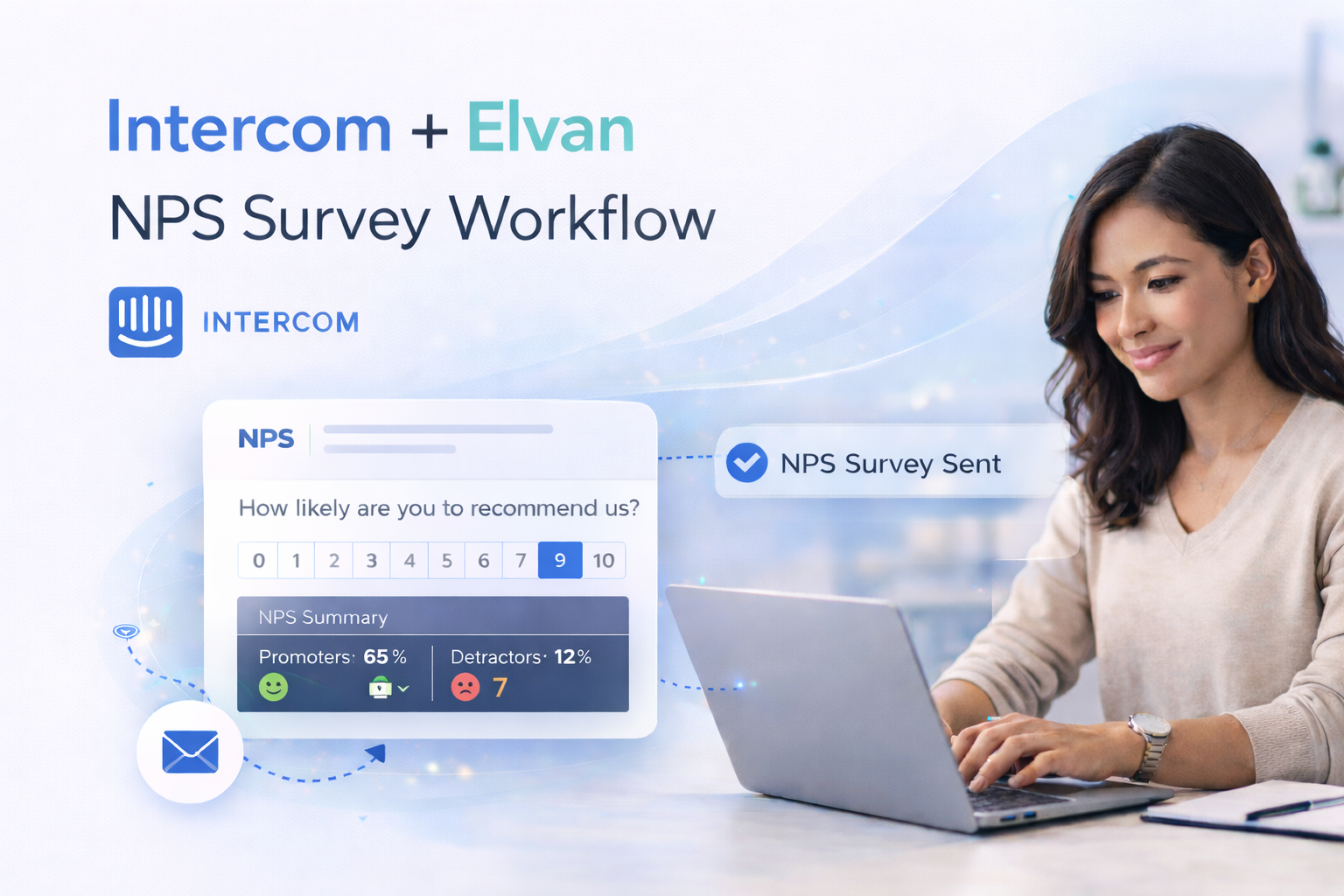
Intercom NPS Survey: How to Send NPS Surveys with Elvan & Intercom
Many companies use Intercom to communicate with customers through chat, email, and in-app messaging.
It’s also a natural place to collect customer feedback.
One of the most widely used metrics for this is Net Promoter Score (NPS), a simple way to measure customer loyalty and satisfaction.
This guide explains how to send an NPS survey if you are using Intercom, how teams typically run NPS campaigns inside Intercom, and how to collect and analyze responses using Elvan.
Does Intercom Support NPS Surveys?
Yes. Intercom allows teams to send surveys through:
- In-app messages
- Email campaigns
- Chat conversations
These messages can include rating questions similar to NPS.
However, many teams extend Intercom surveys when they want:
- Better reporting on NPS trends
- More flexible survey design
- Analysis of written feedback
- A central dashboard for customer feedback
This is where dedicated survey tools are often used alongside Intercom.
How Intercom NPS Surveys Typically Work
Most teams running NPS with Intercom follow a similar workflow:
- A user reaches a milestone (for example, onboarding completion or 30 days after signup)
- Intercom sends an NPS message
- The user selects a score from 0 to 10
- The response is recorded and analyzed
Intercom campaigns make it easy to trigger surveys based on user behavior or lifecycle events.
To improve response rates, many teams embed the NPS rating directly inside the message.
Using Elvan to Run NPS Surveys with Intercom
Elvan acts as the survey and analytics layer alongside Intercom.
Intercom continues to manage:
- Customer messaging
- User segmentation
- Campaign automation
Elvan handles:
- Survey creation
- Response collection
- NPS scoring
- Feedback analysis
This allows teams to continue using Intercom for communication while centralizing feedback analysis in Elvan.
How to Send an NPS Survey Through Intercom
Step 1: Create an NPS Survey in Elvan
Inside Elvan:
- Create a new project
- Select NPS survey
- Configure the 0–10 rating scale
- Add an optional follow-up question
- Publish the survey
Once published, Elvan generates an embed snippet.
Step 2: Copy the Survey Embed Code
In Elvan:
Go to Collect → Inline Embed
Copy the HTML embed code for the survey.
This snippet renders the NPS rating scale inside emails or messages.
Step 3: Add the Survey to an Intercom Message
In Intercom:
- Create a new email campaign or in-app message
- Add a custom HTML block
- Paste the Elvan embed code
You can pass Intercom user attributes so responses are associated with the correct user.
Example:
email: {{email}}name: {{name}}
Step 4: Trigger the Survey Automatically
Intercom campaigns allow you to trigger surveys based on lifecycle events.
Common examples include:
- 30 days after signup
- After onboarding is completed
- After a customer milestone is reached
- Following a support interaction
The workflow becomes:
- User reaches trigger event
- Intercom sends the NPS message
- The customer selects a score
- Elvan records the response
Why Teams Extend Intercom NPS Surveys
While Intercom can send simple survey messages, many teams use a dedicated survey platform to improve how feedback is analyzed.
AI-Powered Feedback Insights
Elvan analyzes responses to identify:
- Recurring issues
- Trends in customer sentiment
- Positive feedback themes
This makes it easier to understand why scores change over time.
Centralized Feedback Across Channels
Customer feedback often comes from multiple sources, including:
- Intercom messages
- Product experiences
- Email campaigns
- Customer success interactions
Elvan consolidates these responses into one dashboard.
Multiple Survey Types
In addition to NPS, teams often collect:
All feedback can be analyzed together.
Final Thoughts
Intercom works well for sending lifecycle messages and triggering customer surveys.
By combining Intercom campaigns with Elvan surveys, teams can:
- Send NPS surveys at the right moment
- Collect structured customer feedback
- Analyze trends across their customer base
This allows teams to use Intercom for communication while managing feedback insights in one place.

Neil Roy
Content Strategist
Neil is a content strategist specializing in CSAT and NPS surveys, creating educational content that helps businesses understand and improve customer satisfaction. With 10+ years of experience, Neil writes insightful articles and develops content strategies that translate complex survey concepts into accessible, actionable guidance for organizations looking to enhance their customer relationships and business outcomes.