
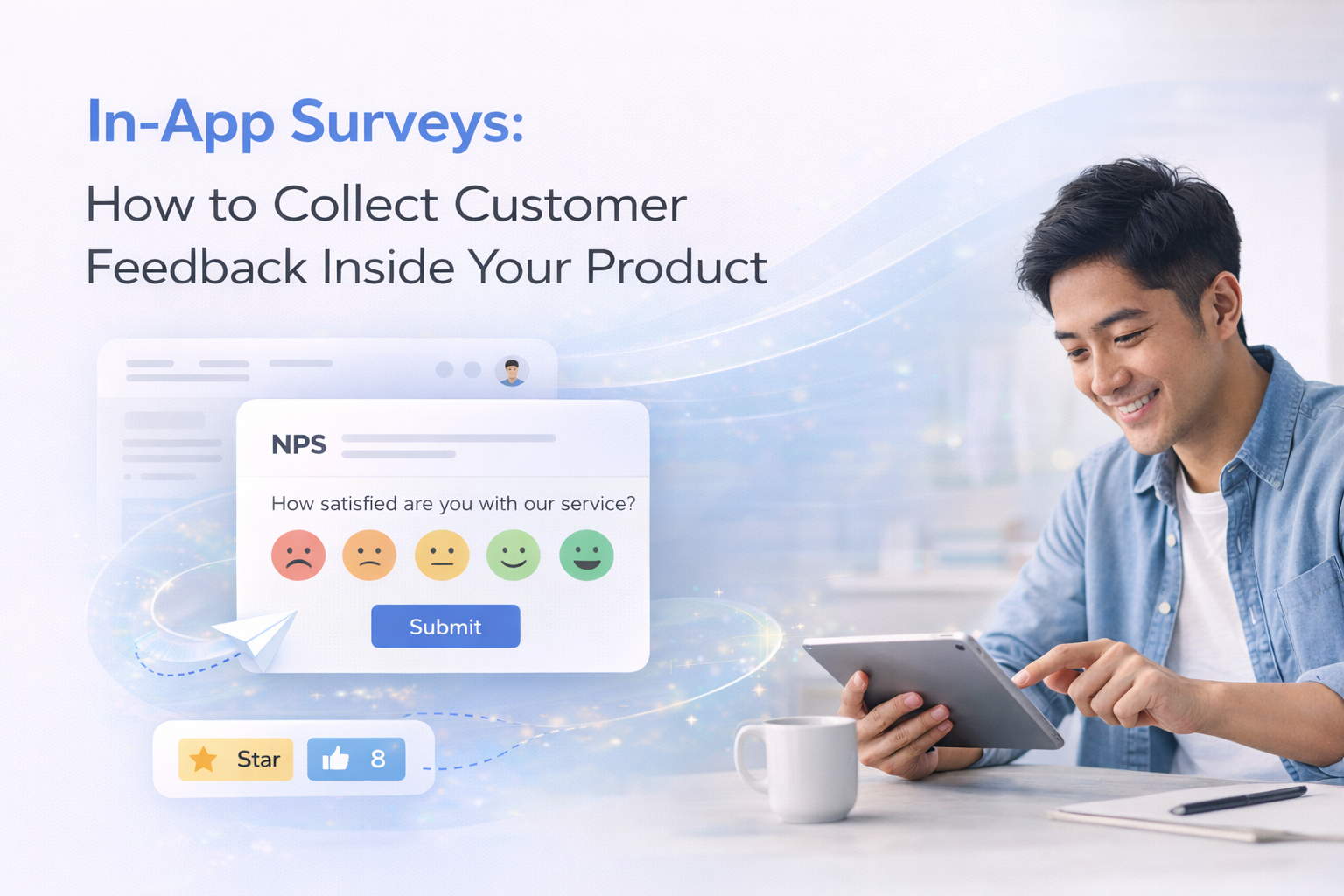
In-App Surveys: How to Collect Customer Feedback Inside Your Product
An in-app survey collects customer feedback directly inside a product while users are actively using it.
Instead of sending surveys through email, the survey appears within the application after a user completes a specific action or reaches a milestone.
This allows product teams to capture feedback at the exact moment an experience occurs.
In this guide, you'll learn:
- What in-app surveys are
- When to trigger them inside your product
- How to implement them using Elvan
What Is an In-App Survey?
An in-app survey is a feedback form displayed directly inside a website or application during product usage.
Common types include:
- Net Promoter Score (NPS)
- Customer Satisfaction Score (CSAT)
- Customer Effort Score (CES)
- feature feedback prompts
- onboarding feedback
Because surveys appear while users are interacting with the product, responses are typically more contextual than email surveys.
Why In-App Surveys Work
In-app surveys collect feedback while users are actively engaged with the product.
Higher response rates
Users are more likely to respond when surveys appear during product usage.
Contextual feedback
Surveys can be triggered after key actions such as:
- completing onboarding
- creating a campaign
- finishing checkout
- resolving a support request
This captures feedback while the experience is still fresh.
Faster product insights
Real-time feedback helps teams quickly identify usability issues and opportunities for improvement.
Common Use Cases for In-App Surveys
Most product teams trigger surveys at specific moments in the user journey.
Onboarding feedback
After onboarding, ask a simple question such as:
Was the onboarding process clear?
This helps identify early friction.
Feature feedback
After a user tries a new feature, ask:
Was this feature helpful?
This helps product teams evaluate adoption and usability.
NPS surveys
Many SaaS companies trigger NPS surveys inside the product after users reach milestones such as 30 days after signup.
Post-action feedback
Surveys can also appear after events such as:
- campaign creation
- purchase completion
- account upgrades
- support interactions
This helps measure satisfaction with specific workflows.
How to Implement In-App Surveys
There are two common approaches.
Build a custom survey system
Some teams build their own survey infrastructure, which involves:
- building survey UI components
- storing responses
- creating analytics and reporting
While this provides full control, it requires ongoing engineering work.
Use a survey platform
Many teams use a dedicated tool to handle:
- survey creation
- response collection
- analytics and reporting
This allows product teams to focus on insights rather than infrastructure.
How to Add an In-App Survey Using Elvan
Elvan provides a Web SDK that allows surveys to be triggered directly inside your application.
Step 1: Add the SDK
Add the script to your website or application.
<script src="https://cdn.elvan.ai/sdk/v1/elvan.js"></script>What is this?
Step 2: Initialize Elvan
Initialize the SDK with your project token.
window.Elvan.init({ token: 'YOUR_SDK_TOKEN', debug: false});
Step 3: Trigger the Survey
You can trigger surveys after product events.
Example:
window.Elvan.trigger(
{ email: user.email,
name: user.name}
);
Typical triggers include:
- onboarding completion
- product milestone reached
- plan upgrade
- workflow completion
Understanding Survey Feedback with AI
Elvan analyzes survey responses to identify patterns such as:
- recurring product issues
- common feature requests
- satisfaction trends
This helps teams quickly understand what is driving customer sentiment.
Best Practices for In-App Surveys
- Keep surveys short - Surveys with one or two questions perform best.
- Trigger surveys at meaningful moments - Ask for feedback immediately after a relevant action.
- Avoid interrupting critical workflows - Surveys should appear during natural pauses in the experience.
- Follow up on negative feedback - Users who leave low scores often provide the most actionable insights.
Final Thoughts
In-app surveys help product teams capture feedback while users are actively interacting with the product.
By triggering surveys at meaningful moments, companies can better understand customer experience and identify product improvements faster.
Tools like Elvan make it easy to implement surveys, analyze responses, and turn feedback into actionable insights.
FAQs
What is an in-app survey?
An in-app survey is a feedback form shown inside a product while a user is actively interacting with it.
When should you trigger an in-app survey?
Common triggers include:
- after onboarding
- after completing a task
- after reaching a milestone
- after a support interaction
What metrics can in-app surveys measure?
In-app surveys commonly measure:
Are in-app surveys better than email surveys?
In-app surveys often achieve higher response rates because they appear while users are actively using the product.

Neil Roy
Content Strategist
Neil is a content strategist specializing in CSAT and NPS surveys, creating educational content that helps businesses understand and improve customer satisfaction. With 10+ years of experience, Neil writes insightful articles and develops content strategies that translate complex survey concepts into accessible, actionable guidance for organizations looking to enhance their customer relationships and business outcomes.