
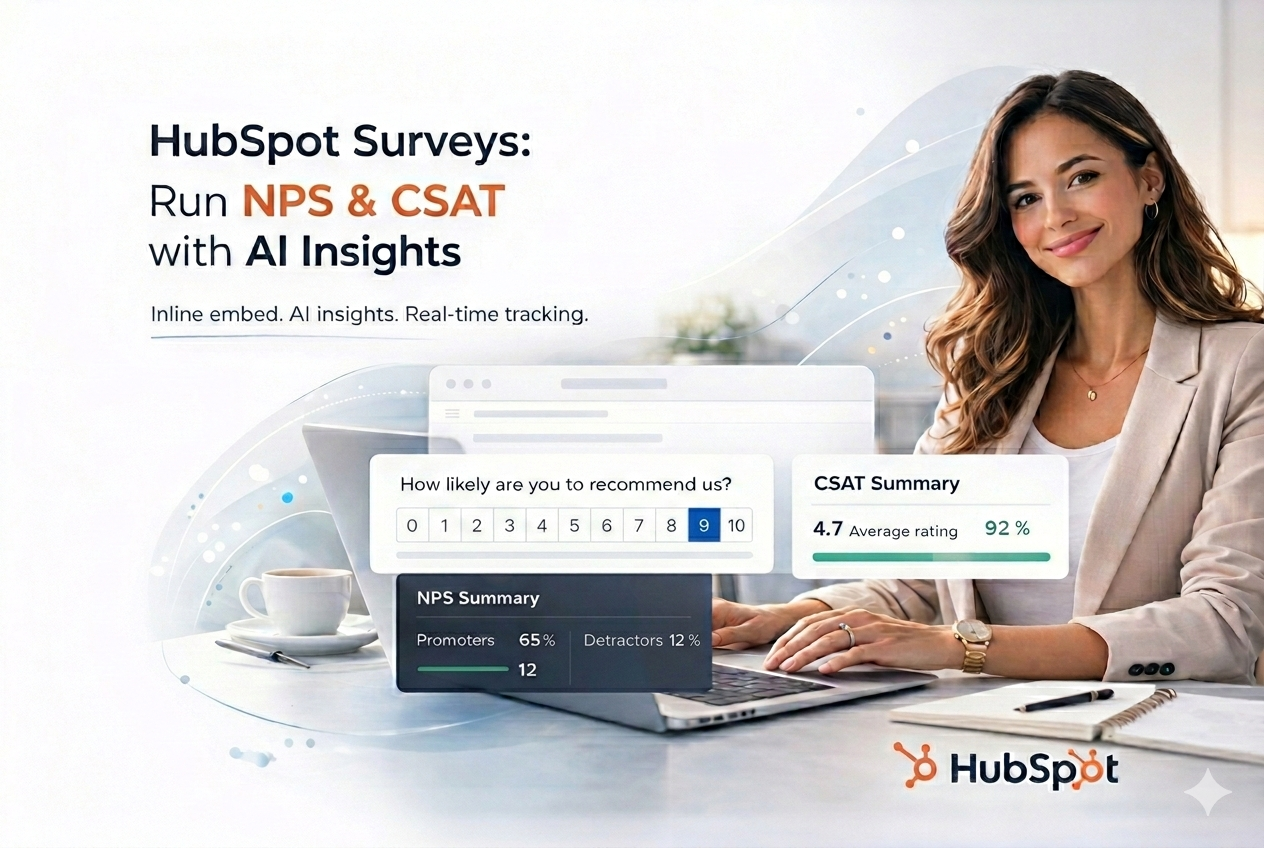
HubSpot Surveys: Run NPS & CSAT with AI Insights (Without Service Hub Limits)
If you use HubSpot, you can collect survey data.
The real question is:
Can you turn that data into insight?
HubSpot’s built-in surveys (available inside Service Hub) store responses inside contact records and dashboards.
Elvan analyzes them.
Instead of manually reviewing comments or exporting CSV files, Elvan:
- Groups responses into recurring themes
- Detects emerging issues
- Highlights churn-risk signals
- Generates leadership-ready summaries
You keep HubSpot as your CRM.
Elvan becomes your feedback intelligence layer.
When Do You Need More Than Native HubSpot Surveys?
HubSpot’s native survey tools:
- Are available only inside Service Hub
- Work primarily at the ticket or email level
- Store responses as CRM properties
- Offer basic reporting
They are useful for operational feedback.
But they are not designed to:
- Centralize feedback across channels
- Analyze large volumes of qualitative responses
- Trigger surveys inside your product
- Combine email, in-app, and support feedback into one system
If your feedback program is growing, the limitations become clear.
How HubSpot Users Run Surveys with Elvan
Elvan works with HubSpot in three primary ways:
- Inside HubSpot email campaigns and workflows
- On HubSpot pages (landing pages, checkout, thank-you pages)
- Inside your product via Web SDK
No Service Hub required.
1. Embed Surveys in HubSpot Email Campaigns & Workflows
If you use Marketing Hub:
Step 1: Create Your Survey in Elvan
Step 2: Copy the Inline Embed Code
Inside Elvan:
- Go to Distribute → Inline Embed
- Copy the HTML
Step 3: Add to HubSpot Email
In HubSpot:
- Open your email editor
- Insert a Custom HTML module
- Paste the embed code
- Replace the email placeholder with:
{{ contact.email }}
- Save and test
Now:
- HubSpot handles delivery
- Elvan records responses
- NPS is calculated automatically
This works in:
- One-time campaigns
- Automated onboarding workflows
- Post-purchase flows
- Renewal reminders
2. Embed Surveys on HubSpot Pages
If you use HubSpot CMS or Marketing Hub pages, you can embed Elvan surveys anywhere you can add HTML.
Common placements:
- Thank-you pages
- Checkout confirmation pages
- Pricing pages
- Customer portals
- Account dashboards
Steps:
- Copy the Elvan embed code
- Add a Custom HTML module to your HubSpot page
- Paste and publish
You now collect structured NPS or CSAT directly on-page.
3. Trigger In-App Surveys (Web SDK)
For SaaS teams using HubSpot as CRM:
Add Elvan’s SDK to your product:
<script src="https://cdn.elvan.ai/sdk/v1/elvan.js"></script>
Initialize:
window.Elvan.init({ token: 'YOUR_SDK_TOKEN'});
Trigger when needed:
window.Elvan.trigger({ email: user.email, name: user.name});
Use cases:
- Onboarding completion
- Feature milestone
- Subscription upgrade
- Renewal period
HubSpot does not natively support contextual in-product survey triggers outside Service Hub mechanisms.
Why HubSpot Users Choose Elvan
AI-Powered Analysis
Instead of raw survey data, you get:
- Themed feedback clusters
- Recurring complaint detection
- Positive trend identification
- Executive-ready summaries
HubSpot stores survey responses.
Elvan extracts meaning.
Works Without Service Hub
If you use:
- CRM
- Marketing Hub
- Sales Hub
You can still run structured NPS and CSAT programs.
No additional HubSpot seat required.
Multi-Channel Feedback in One Dashboard
Collect feedback from:
- HubSpot email campaigns
- HubSpot pages
- In-app triggers
- Support workflows
All centralized in one system.
No fragmentation between tools.
Built for Growth Teams — Not Enterprise Complexity
Platforms like Survicate and Qualtrics offer depth, but often with added configuration and pricing complexity.
Elvan is intentionally focused:
- Fast setup
- Transparent pricing
- Clear UX
- No enterprise overhead
When Should You Extend HubSpot Surveys?
You should consider Elvan if:
- Feedback volume is increasing
- Manual analysis is slowing you down
- You collect surveys across multiple touchpoints
- Leadership needs clearer reporting
- You don’t have Service Hub but want structured surveys
If your needs are limited to basic ticket CSAT inside Service Hub, native tools may be sufficient.
If you want insight across your entire customer journey, you need more flexibility.
Run Smarter HubSpot Surveys
You don’t need to replace HubSpot.
Keep HubSpot as your CRM.
Use Elvan as your survey intelligence layer.
Start free:
- 100 responses
- 1 project
- No credit card required
Create your survey at Elvan and turn HubSpot survey data into actionable insights.

Neil Roy
Content Strategist
Neil is a content strategist specializing in CSAT and NPS surveys, creating educational content that helps businesses understand and improve customer satisfaction. With 10+ years of experience, Neil writes insightful articles and develops content strategies that translate complex survey concepts into accessible, actionable guidance for organizations looking to enhance their customer relationships and business outcomes.