
Klaviyo Survey: How to Set One Up in 10 Minutes | Elvan
If you use Klaviyo for email marketing, you can launch a fully functional NPS or CSAT survey in minutes — without switching tools.
Klaviyo delivers the email.
Elvan handles NPS scoring, segmentation, tracking, and AI-powered analysis behind it.
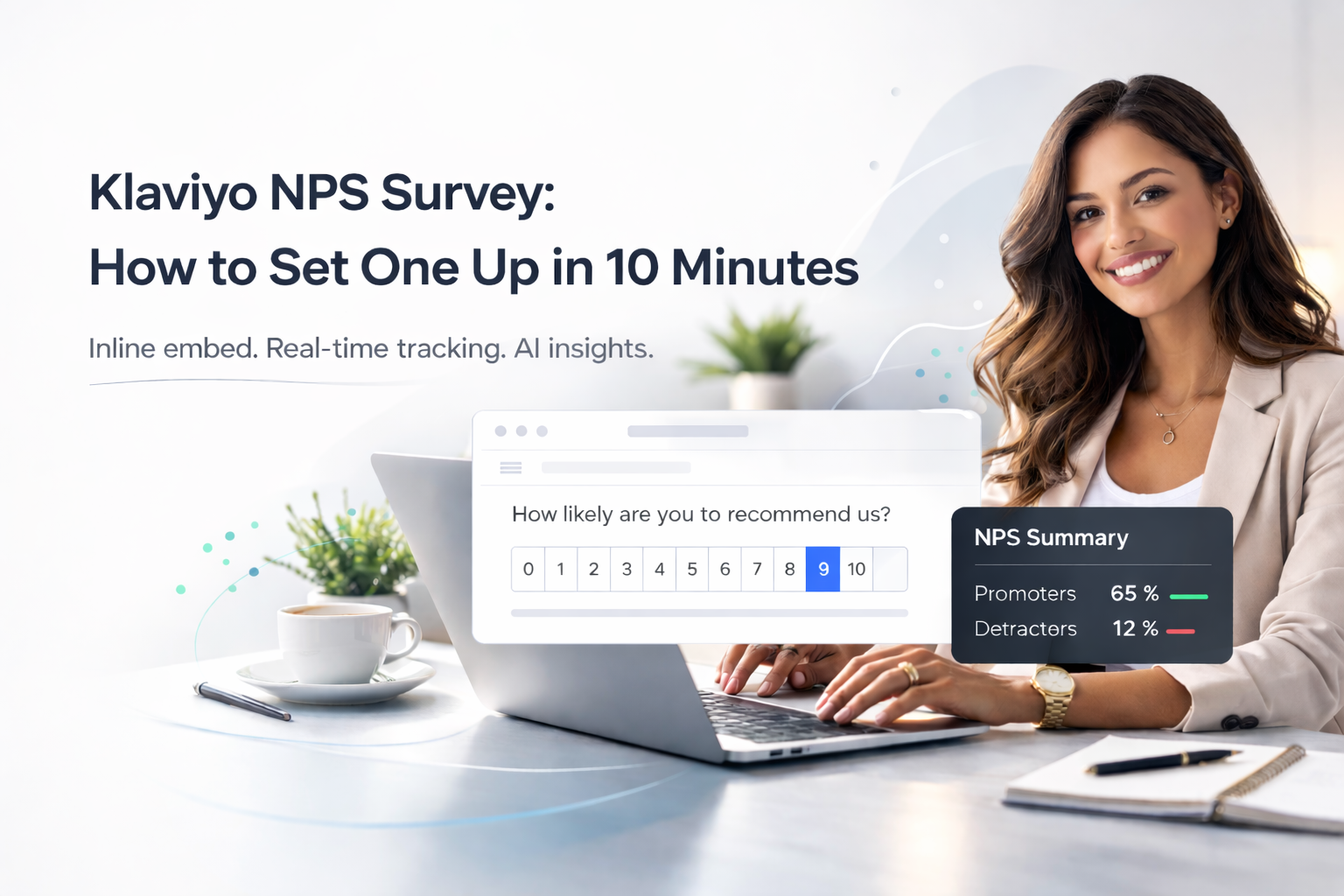
With Elvan’s inline embed, subscribers can click a score (0–10) directly inside your email. The response is recorded instantly and optionally followed by a comment screen.
What Is a Klaviyo Survey?
A Klaviyo survey is a Net Promoter Score survey or CSAT survey delivered through Klaviyo campaigns or flows.
The NPS question:
“On a scale of 0–10, how likely are you to recommend us to a friend or colleague?”
Customers fall into:
- Promoters (9–10)
- Passives (7–8)
- Detractors (0–6)
Your Klaviyo NPS score is calculated as:
% Promoters – % Detractors
Tracking this over time helps measure loyalty, retention, and customer sentiment.
How to Set Up a Klaviyo Survey
Step 1: Create Your NPS Survey in Elvan
- Create a free account at elvan.ai
- Go to Elvan CX → Create Project
- Select Net Promoter Score.
- Customize your question if needed
- Add an optional follow-up comment question
- Click Create Project
Your NPS survey backend is now ready. Alternatively, you can select CSAT survey as well, depending on what you want to track.
Step 2: Enable Inline Embed
Inside your survey:
- Go to Distribute → Inline Embed
- Click Enable Embed
- Copy the generated HTML code
The embed:
- Displays all 11 score options (0–10)
- Uses email-safe HTML (tables + links)
- Records the score instantly when clicked
- Optionally opens a follow-up question
- Requires no JavaScript
Step 3: Add the Survey to a Klaviyo Campaign
If you want to send NPS as a one-time email:
- Go to Campaigns → Create Campaign
- Open the email editor
- Drag in a Custom HTML block
- Paste the Elvan embed code
- Save
Place the survey near the top of the email for higher response rates.
Step 4: Add the Survey to a Klaviyo Flow (Recommended)
Flows allow you to collect NPS at the right moment.
Common triggers:
- 30 days after purchase
- After order fulfillment
- After subscription signup
- After second purchase
- Quarterly to active customers
To set it up:
- Go to Flows → Create Flow
- Choose a trigger (e.g., Placed Order)
- Add a time delay if needed
- Add an Email step
- Insert a Custom HTML block
- Paste the embed code
- Save and turn the flow live
Step 5: Replace Placeholders with Klaviyo Template Tags
In your embed code you’ll see:
email={EMAIL}name={NAME}
Replace them with Klaviyo variables:
email={{ person.email }}name={{ person.first_name }}
For example:
rating_value=9&email={{ person.email }}
When the email sends, Klaviyo automatically inserts each recipient’s email address.
This ensures:
- Every Klaviyo survey response is tied to a customer profile
- No anonymous responses
- You can follow up with Detractors
- You can segment Promoters for referral campaigns
If identity tracking isn’t required, you can remove the email parameter.
Step 6: Test Before Sending
Before activating your campaign or flow:
- Send a preview to yourself
- Click multiple score options
- Confirm responses appear in Elvan
- Test on mobile
Most marketing emails are opened on phones — ensure the score buttons are easy to tap.
How Klaviyo NPS Score Tracking Works
When someone clicks a score:
- The response is recorded instantly
- Promoters / Passives / Detractors are categorized automatically
- Your Klaviyo NPS score updates in real time
- Written feedback is stored
- AI groups comments into themes
Instead of manually reading every comment, you immediately see:
- Top positive drivers
- Recurring complaints
- Emerging churn risks
- Sentiment shifts over time
Klaviyo handles delivery and segmentation.
Elvan turns feedback into actionable insight.
Why Not Just Track Link Clicks in Klaviyo?
Klaviyo can track which links are clicked.
But it does not:
- Calculate a proper NPS score
- Automatically segment Promoters / Passives / Detractors
- Track NPS trends over time
- Analyze text feedback
- Surface patterns using AI
Klaviyo measures engagement.
Elvan measures loyalty.
Best Times to Send a Klaviyo Survey
Effective timing includes:
• 30 days after purchase
• After delivery confirmation
• After subscription renewal
• After onboarding completion
• Quarterly to active customers
Avoid sending too frequently; survey fatigue lowers response quality.
Start Your NPS/CSAT Survey on Klaviyo Today
If you already use Klaviyo, you don’t need another email platform.
Keep Klaviyo.
Use Elvan to power your Klaviyo NPS survey.
Free plan includes:
- 100 responses
- 1 project
- No credit card required
Create your survey at Elvan and start collecting meaningful customer feedback today.

Neil Roy
Content Strategist
Neil is a content strategist specializing in CSAT and NPS surveys, creating educational content that helps businesses understand and improve customer satisfaction. With 10+ years of experience, Neil writes insightful articles and develops content strategies that translate complex survey concepts into accessible, actionable guidance for organizations looking to enhance their customer relationships and business outcomes.